Shopify draft orders never reach Google Ads. Fix that.
Shopify draft orders created by staff for phone, quote, or invoice sales either close manually with no browser checkout session at all or settle later via an invoice link disconnected from the original Google ad click. As a result, Google Ads misses those sales, understates ROAS, and shifts Smart Bidding away from keywords that drive high-ticket phone buyers. Measuring closed draft orders and importing eligible matches via Google's Data Manager API closes that gap.
On this page
Why Shopify draft orders skip conversion tags
Every time a customer service representative (CSR) builds a Shopify draft order for a phone caller or quote buyer, your storefront conversion pixels lose visibility into the sale.
Draft orders break standard pixel tracking in two predictable ways:
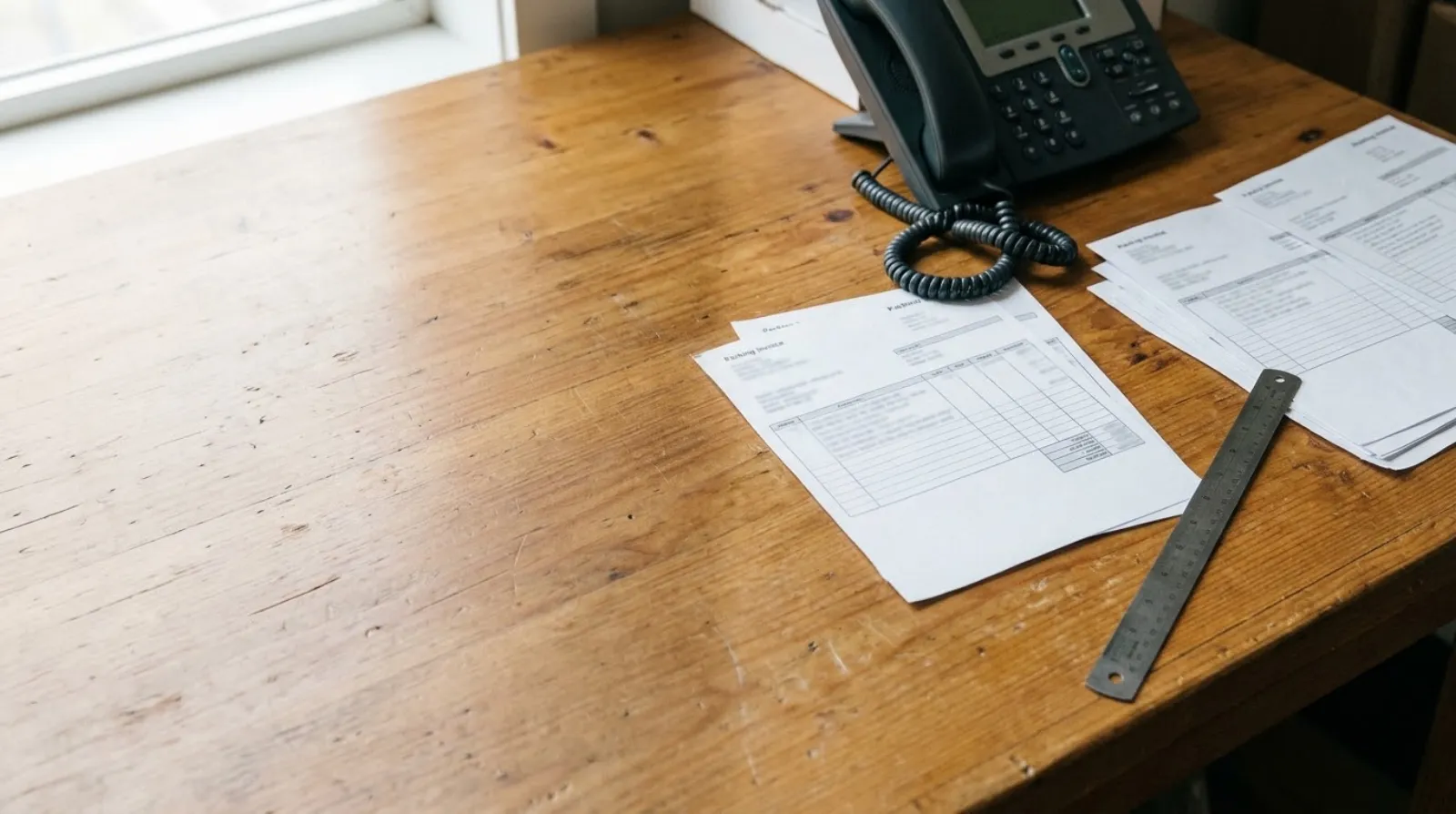
- Orders marked as paid manually: When your team takes payment over the phone, by check, or via ACH and marks the draft order as paid inside Shopify Admin, Shopify converts the draft into a regular order entirely on the server. No customer browser ever loads a checkout page or thank-you page, so Google’s web tag never fires.
- Emailed invoice links paid out of session: Even when a CSR emails a draft-order invoice link so the customer can pay online, buyers frequently open that email days later on a different browser or work computer. Without a preserved
gclidor linked lead event, Google Ads treats the checkout either as direct traffic or fails to match it to the original ad click.
On Shopify’s backend, those orders sit in your Admin under draft-order or admin sources rather than online storefront checkout—meaning Shopify’s revenue total looks healthy while Google Ads reports a fraction of your true return on ad spend (ROAS). For a deeper technical breakdown, see our guide to Shopify draft orders and Google Ads.
What missing draft orders do to Smart Bidding and budgets
Under Target ROAS bidding, Google Ads predicts the conversion value of each search auction using only the conversion values it can observe. When lower-ticket shoppers buy through self-serve checkout while high-ticket or customized buyers pick up the phone, Google sees low conversion value on your most profitable non-brand campaigns.
That blind spot creates a predictable cycle:
- High-AOV phone campaigns look unprofitable: Campaigns that generate $1,500 custom orders by phone show a 2x ROAS in Google Ads while self-serve accessory campaigns show 4x.
- Budgets get cut in the wrong places: Facing a quarterly review, your marketing team or agency lowers budgets or raises Target ROAS (
tROAS) targets on the “underperforming” campaigns—and total store phone orders drop weeks later. - Call trackers only show half the story: Even with CallRail, WhatConverts, or CallTrackingMetrics installed, the call tracker sees who called, not which caller paid a $4,200 draft-order invoice ten days later.
To estimate how much revenue your draft orders hide each month, enter your spend, reported ROAS, and offline order share into the ROAS gap calculator.
Which Shopify stores lose the most revenue to this gap
Stores with simple sub-$100 impulse carts rarely have a material draft-order gap. The revenue distortion concentrates in four Shopify and Shopify Plus verticals where buyers talk to a person before paying:
- Custom and made-to-order goods: Signage, ceremonial awards, custom packaging, branded apparel, and engraved hardware where specs or artwork require confirmation.
- High-ticket equipment ($300+ average order value): Commercial tools, industrial supplies, medical devices, and specialty furniture where buyers call to verify stock or shipping timelines.
- B2B and wholesale storefronts: Repeat buyers who request net terms, PO numbers, freight quotes, or negotiated bulk pricing built as Shopify draft orders.
- Multi-item project quotes: Contractors or institutional buyers who email a cart list and ask a sales rep to assemble an invoice.
On stores in these categories, 20% or more of monthly revenue can close outside standard web checkout—a pattern seen on a custom-products merchant whose CSRs rely on draft orders every day.
Three ways to track Shopify draft orders, compared
Merchants generally evaluate three paths once they uncover missing draft-order revenue. Each option carries clear technical trade-offs around click-ID survival and Google’s June 15, 2026 Data Manager API requirement.
| Option | How it works | What it solves | Where it falls short |
|---|---|---|---|
| DIY Zapier or webhook scripts | Triggers on paid draft orders and sends events to Google Ads | Low initial tool cost if click IDs are already stored cleanly | Breaks when gclid/wbraid/gbraid is missing on phone orders; legacy Google Ads API endpoints are blocked for new setups as of June 15, 2026 |
| Server-side GTM / pixel apps | Captures click cookies on storefront and fires server-side CAPI/conversion webhooks | Catches invoice links better when the buyer starts and pays on the web | Still misses pure phone-to-draft orders unless CSRs log identifiers and order-ID deduplication is enforced |
| Attribution Audit ($2,500) + Closed-Loop Build ($6,000) | Audits 1 month of Shopify + call-tracker data first; builds Data Manager sync, capture fixes, and three-ROAS reporting | Separates provable floor ROAS from estimates, prevents double counting, and uses Data Manager API | Fixed-fee service engagement; cannot upload orders that carry zero click IDs or matchable identifiers |
For a side-by-side technical breakdown of DIY workflows versus managed builds, read DIY offline conversions with Zapier: what works and what breaks.
What click IDs and hashed customer data make possible
Closing the draft-order gap starts by separating two different goals: accurate reporting for your budget decisions and actionable signals for Google Smart Bidding.
Even when a phone-built draft order carries zero click IDs, matching the order’s phone number and email against your call tracker proves which ad campaigns drove closed revenue—giving you an honest own-evidence floor ROAS for budget allocation. At the same time, fixing click-ID capture in your call tracker and web forms alongside SHA-256 hashed emails and E.164 phone numbers maximizes the dollar share eligible for daily Data Manager API uploads.
If at least 20% of your Shopify revenue closes via draft orders or phone invoices and you spend $5,000 or more per month on Google Ads, start with a fixed-price Attribution Audit to measure your gap in seven business days (the true ROAS figure is labeled as an estimate)—or run the 60-second ROAS gap calculator first.
Frequently asked questions
Why do Shopify draft orders miss Google Ads conversion tags?
When a customer service representative creates a draft order in Shopify Admin and marks it paid manually after taking payment by phone, check, or external terminal, the customer never visits a storefront checkout or thank-you page. Even when you email a draft-order invoice link, the buyer frequently pays hours or days later on another device where the original ad-click session is gone.
Does sending a Shopify draft-order invoice link fire the Google tag?
If a buyer clicks the emailed invoice link, completes Shopify checkout in the same browser session that clicked your Google ad, and hits the order status page, a web pixel can fire. However, when buyers pay from a different device, days later, or via corporate billing, the original GCLID cookie or browser context is commonly missing or unattributed.
Are Google's enhanced conversions for web enough to catch draft orders?
No. Enhanced conversions for web strengthens tag-based matching when a customer completes online checkout on your website. It cannot create a conversion event for a manual draft order that never triggers a client-side checkout page or pixel event. You must extract those paid draft orders from Shopify and send eligible conversions through Google's Data Manager API.
Can we track Shopify draft orders with Zapier or a Shopify pixel app?
Automation tools like Zapier can trigger when a Shopify draft order becomes a paid order, but they only attribute the sale to Google Ads if a gclid, wbraid, gbraid, or matchable user identifier was captured and saved onto that draft order. When click IDs are missing from CSR-built orders, simple webhook zaps fail silently or throw Data Manager validation errors.
How much of our draft-order revenue can actually be uploaded back to Google Ads?
Only the portion of paid draft orders that carry a valid Google Click ID or matchable customer identifiers collected alongside a lead tag can be attributed inside Google Ads. On phone-heavy stores without click-ID capture workflows, the uploadable dollar amount is often much smaller than total missing draft revenue—which is why our audit measures both figures before any build.
How much extra work does proper phone-order tracking add for our sales reps?
Very little. During a Closed-Loop Build, we configure web forms and your call tracker to capture click IDs automatically, and ask customer service representatives for at most one lightweight step—such as recording the caller's phone number and email accurately or pasting a short quote ID into the draft-order note field.
Sources
- Shopify Help Center: Draft orders and invoices (checked )
- Shopify Dev Docs: DraftOrder GraphQL object (checked )
- Google Ads Help: About Target ROAS bidding (checked )
- Google Ads Help: How to upgrade offline imports (checked )
- Google Ads API: Manage offline conversions (checked )